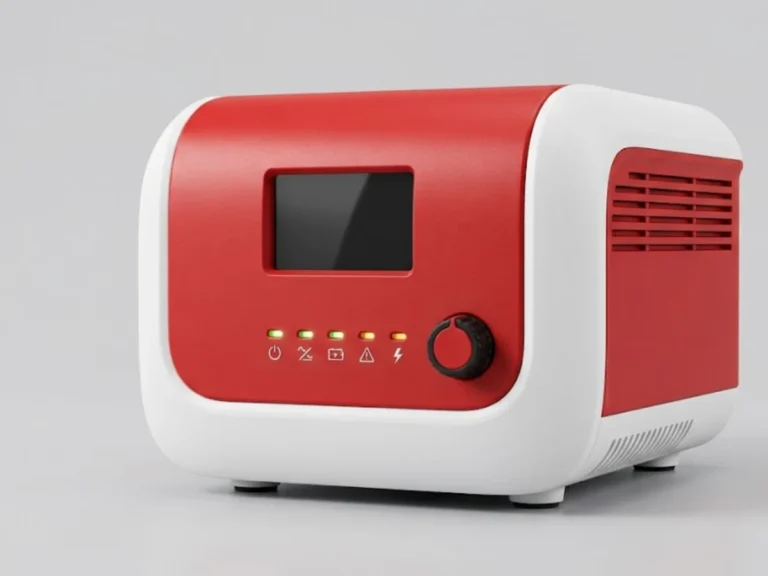
Ask in a shop and you will hear “inverter” and “UPS” used interchangeably. In India the small box that keeps lights and fans running is often called a home UPS. Technically though, an inverter and a UPS are designed for different priorities, and choosing the wrong one is how people end up with rebooting computers or a bill larger than needed. This guide explains the difference in plain terms.
What an inverter does
An inverter converts DC stored in a battery into AC. A home inverter normally also contains a charger and a changeover relay. When mains is present, it passes the supply to your loads and charges the battery. When mains fails, the relay switches and the inverter feeds the loads from the battery. The aim is to keep general loads such as lights, fans, television and a fridge running through long power cuts.
What a UPS does
A UPS (uninterruptible power supply) is built to protect sensitive equipment from any disturbance, not just outages. It conditions the supply and holds the load up with no break, or a very small one, when mains disappears. A true online UPS runs the load from the inverter at all times, so there is no changeover. UPS units are more common in offices, data rooms, labs, lifts and industrial control systems, with battery backup that is often short (minutes) unless extended battery banks are added.
Ratings also differ in how they are stated. A UPS is normally rated in kVA and in kW, and the kW figure is what limits the real load it can carry. A home inverter is usually quoted in VA with a watt figure derived from an assumed power factor. When comparing two products, put both on watts so you are comparing like with like.
Main differences
| Point | Home inverter | UPS |
|---|---|---|
| Main purpose | Long backup for general loads | Protect critical or sensitive loads |
| Switch-over | A short break during changeover; check the datasheet for the figure | Zero break in online type; short in line-interactive and offline |
| Typical backup time | Hours, with large batteries | Minutes by default; hours with external battery banks |
| Input protection | Basic, with a voltage window | Better regulation, filtering and surge handling |
| Output waveform | Pure sine, modified or square, depending on model | Pure sine in most professional units |
| Cost for same VA | Lower | Higher, especially for online double-conversion |
Why the transfer time matters
A computer power supply stores a little energy in its capacitors and can usually ride through a short interruption, often in the range of some milliseconds. If the inverter takes longer than the computer can ride through, the machine restarts. Datasheets usually quote the transfer time, so compare that figure with the hold-up time of your equipment instead of guessing. A rebooting computer is one of the most common complaints we hear about home inverters used with desktops.
Where the two overlap
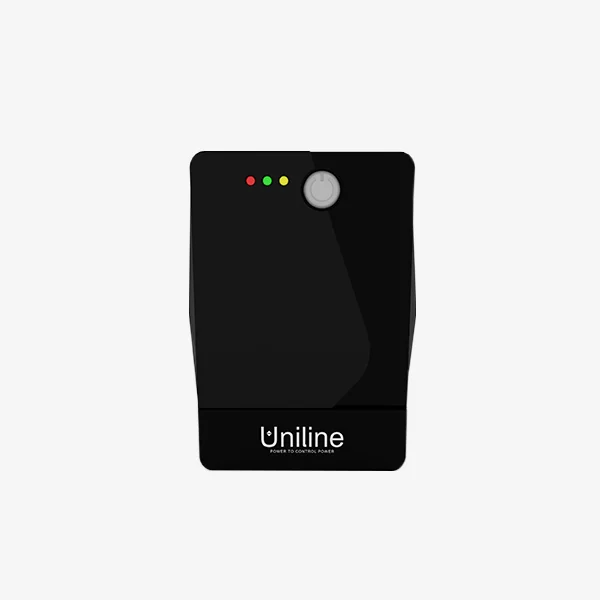
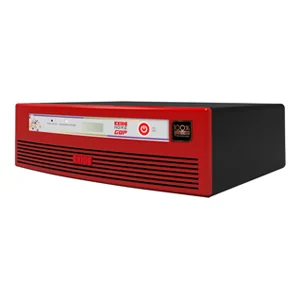
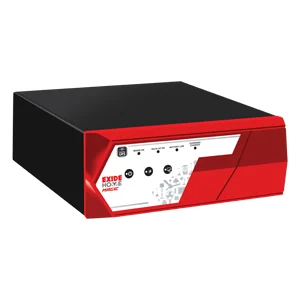
Modern home inverters with sine wave output and a short transfer time can power computers. Line-interactive units sold as home UPS sit in the middle: they carry a built-in battery and an automatic voltage regulator. Products such as the Exide Inverterz Xtatic series and the Uniline Pure Sine Wave Inverter reflect this blending. Compare them in home inverters and UPS.
Which one should you buy?
A home
If your goal is lights, fans, TV and a fridge across long cuts, a home inverter with a tubular battery is the sensible answer. Choose a pure sine wave model if you have a fridge, a laptop charger or a computer. Work out the size with our battery backup calculator.
A small shop or office
If the loads are billing computers, a router and a printer, ask how costly a reboot is. If a data loss would hurt, use a UPS in front of the computers and a separate inverter for lights and fans. For small groups of computers a line-interactive unit, such as the Uniline Smartline SL series, is typical. See line-interactive and offline UPS.
Servers, labs, lifts and industrial controls
Choose an online double-conversion UPS because the load never sees the mains directly. The online UPS category covers ratings from small tower units up to large three-phase systems. A lift needs a purpose-built unit like the Uniline MaxiPro ELOS lift UPS rather than a general model.
Mistakes to avoid
- Putting a laser printer or motor load on a UPS meant for computers. These draw high surge current and will overload it.
- Expecting a small UPS to give hours of backup. Its battery is chosen for minutes; for hours you need an external battery bank sized for the load.
- Judging by price alone. A cheap inverter without sine wave output can make fans hum and sensitive loads misbehave.
- Ignoring the input voltage window. A wide window helps where voltage swings are common.
A simple way to decide
- Write down what must stay on and how long.
- If any item cannot tolerate even a brief interruption, you need a UPS, and online if it is critical.
- If the need is long runtime for ordinary loads, an inverter with a good battery is the economical path.
- If both apply, use both, with the UPS feeding only the sensitive load.
Our product finder can narrow products by rating and application.
What to send us for a quotation
Tell us the loads (with watts), the single or three phase supply, the backup hours and how critical an interruption would be. Send this through request a quote or contact us via contact us. Quotations are answered within 24 hours.
Frequently asked questions
Is a UPS better than an inverter?
Neither is better in general. A UPS protects sensitive loads from voltage disturbances and cuts, usually with a short battery. An inverter gives long backup to ordinary loads at a lower cost. Choose by the load: computers and servers want a UPS, while lights and fans over long outages suit an inverter.
Can I connect a computer to a home inverter?
Yes, if the inverter gives a pure sine wave output and its changeover time is short enough for the computer's power supply to ride through. For important work or servers, use a UPS in front of the computer so a brief break never reaches it.
Why does my computer restart when the power goes?
The changeover is slower than the computer can ride through, or the inverter waveform is poor. A UPS with a shorter or zero transfer time, particularly an online type, prevents this. Check the transfer time on the datasheet rather than assuming.
Can a UPS run fans and lights for hours?
Only if you add an external battery bank sized for it. A standard UPS has a small internal battery meant for minutes, and the charger may not be rated for large banks. Use an inverter with a tubular battery for long backup, or ask us to size a long-backup UPS.