Line-Interactive & Offline UPS
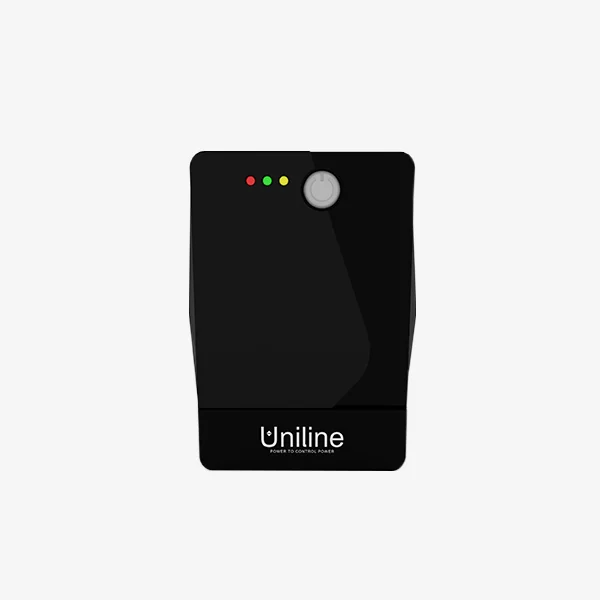
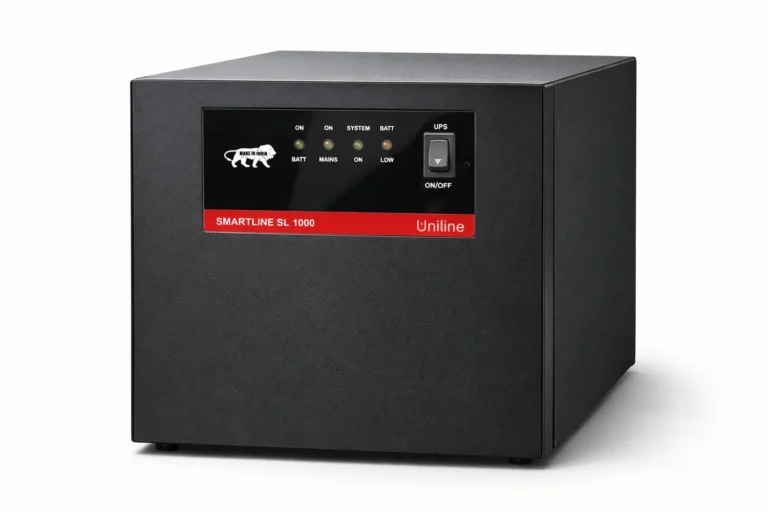
Uniline Smartline Sine Wave
Line-interactive sine-wave UPS from 0.5 to 3 kVA, with fast charging and electronic shutdown protections.
- BrandUniline
- Product TypeLine-Interactive & Offline UPS
Uniline
 Inverters & UPS in association with MARC Traders
Browse the full range. Filter by category or feature, compare specifications and add items to your quote list.
Line-interactive sine-wave UPS from 0.5 to 3 kVA, with fast charging and electronic shutdown protections.
Compact line-interactive standby UPS with a single-transformer design for PCs, peripherals and small office or biomedical loads.
No products match your filters. or ask our engineers.
This category lists the Uniline Smartline range: Smartline Sine Wave and the Smartline SL Series. They are compact UPS for desktop computers, billing counters, routers, CCTV recorders, point-of-sale systems and small offices where mains voltage varies and short cuts occur.
A line-interactive UPS passes mains to the load through an automatic voltage regulator (AVR). When mains is low or high, it boosts or bucks the voltage with a transformer tap, without touching the battery, and only when mains fails or goes out of range does it switch to battery with a transfer time of a few milliseconds. That means the battery is used less often and lasts longer than in a UPS that discharges every time voltage dips. An offline UPS does the same switching but with less voltage correction.
What to check:
For servers, medical equipment, industrial controllers and anything that cannot tolerate even a short transfer, use an online UPS. For larger backup durations and lithium options see lithium and integrated-battery UPS, and use the battery backup calculator for the runtime.
It suits desktops, networking, CCTV, billing and similar office loads where a few milliseconds of switching is acceptable and mains voltage varies rather than being badly distorted. It is not the best choice for servers, medical devices or sensitive controllers that need zero transfer time and isolation from mains disturbances. For those, choose an online UPS.
The automatic voltage regulator corrects low or high mains voltage by switching transformer taps, so the output stays near nominal without using the battery. That reduces battery wear and keeps equipment running through sags. AVR has a limited correction window, beyond which the UPS switches to battery.
It is the time the UPS takes to switch to battery when mains fails, typically a few milliseconds. Most computer power supplies hold up long enough to ride through that gap. The exact figure is on the UPS datasheet, and equipment that cannot tolerate any gap requires an online UPS.
Add the actual wattage of the computer, monitor, router and other connected devices, divide by 0.6 to 0.8 depending on the UPS power factor rating, and select the next standard VA above that. Leave margin for future additions. The UPS should be loaded at 80 percent or less of its watt rating.
Generally no. Laser printers draw large short peaks when the fuser heats, which can overload a small UPS. If a printer must be backed up, size the UPS for its peak consumption or connect it to a surge-protected outlet without battery backup, as the manufacturer recommends.
The shape of an inverter's output waveform decides whether fans hum, fridges run hot and computers stay up. Learn the three waveforms and which loads need…
6 min readBatteries, Inverters & UPSThree UPS topologies, three different levels of protection. See how online, line-interactive and offline UPS differ, and which one your computers, servers or controls need.
6 min readBatteries, Inverters & UPSIn India the two words are often used for the same box, but they are built for different jobs. Learn the real difference in switch-over time,…
6 min read