Every UPS carries a battery, but the way it sits between the mains and your equipment decides how well it protects. The three common designs are offline (standby), line-interactive and online (double conversion). Buying the wrong one either leaves a server exposed or pays for protection a desktop does not need. Here is how they differ and where each belongs.
How each type works
Offline (standby) UPS
The load runs directly from mains through a basic filter. The inverter is idle until the supply fails or goes outside a set window; then a relay switches the load to the battery inverter. There is a short break during that switch. In the IEC 62040-3 classification this is called voltage and frequency dependent (VFD).
Line-interactive UPS
This adds an automatic voltage regulator (AVR), usually a tapped transformer, that boosts or bucks the mains within a range without touching the battery. Only if the supply fails or goes outside the AVR range does the unit switch to battery. It is voltage independent (VI) in the standard. Transfer to battery is still not instant, but the battery is used far less often than in an offline UPS because the AVR handles the sags and surges.
Online (double-conversion) UPS
The incoming AC is rectified to DC, which feeds the battery charger and the inverter, and the inverter builds a clean AC output continuously. The load is never connected directly to mains, so there is no transfer time when mains fails. This is voltage and frequency independent (VFI). The cost is higher purchase price, more heat and lower efficiency than the others, although many modern units offer an eco or high-efficiency mode.
Comparison
| Point | Offline | Line-interactive | Online |
|---|---|---|---|
| Transfer time on mains failure | Short break | Short break | None |
| Voltage regulation | Little or none | AVR (boost/buck) | Full, regenerated output |
| Frequency control | No | No | Yes, output is independent of the input |
| Protection from noise and surges | Basic filter | Better | Best |
| Efficiency | Highest | High | Lower than the others in double-conversion mode |
| Typical use | Home PC, point-of-sale | Office PCs, small networking, shops | Servers, data rooms, labs, industrial controls |
| Cost | Lowest | Moderate | Highest |
Online units often include an economy or high-efficiency mode in which the load is fed through the bypass path while mains is within tolerance and the inverter takes over only when it is not. This cuts heat and running cost but gives up part of the isolation that makes an online UPS valuable, so decide deliberately whether the load can accept it.
Choosing by load
- Home PC, router, small billing counter: an offline or line-interactive model is sufficient, provided the transfer time suits the computer.
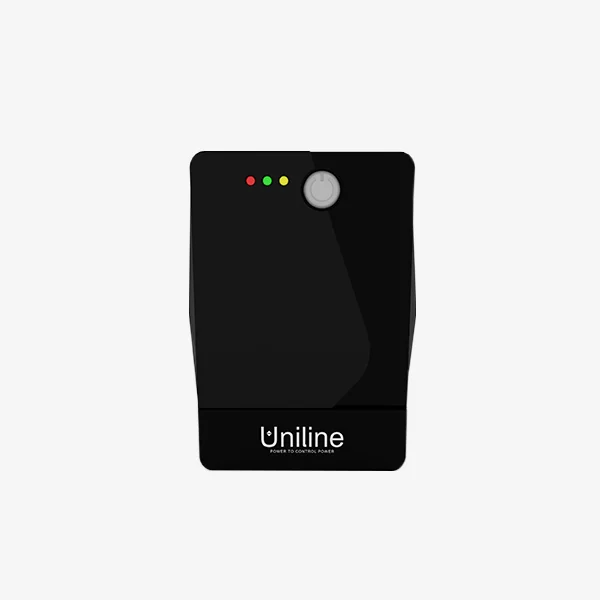
- Office desktops, network switches, CCTV recorders: line-interactive handles the voltage swings common in many Indian locations. See line-interactive and offline UPS, which includes the Uniline Smartline Sine Wave and the Smartline SL series.
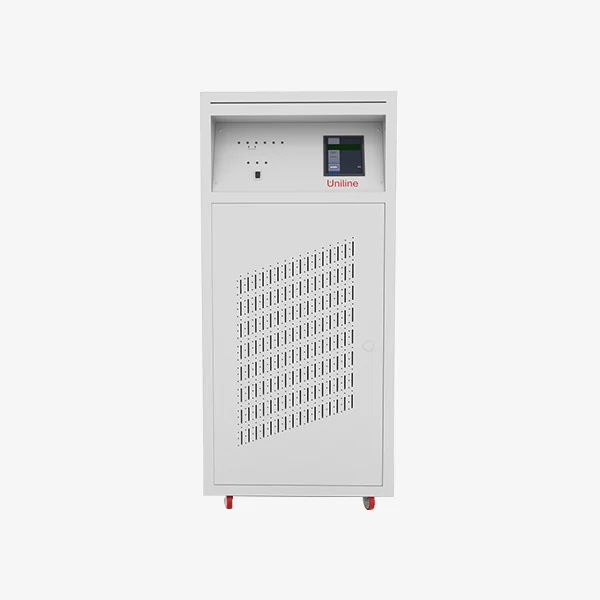
- Servers, storage, PLC and process control, medical or lab equipment: choose online. Browse online UPS, from rack and tower units like the Uniline Greenline tower and rackmount series, to the MaxiPower 1 to 15 kVA and Maxiline 3 to 80 kVA ranges.
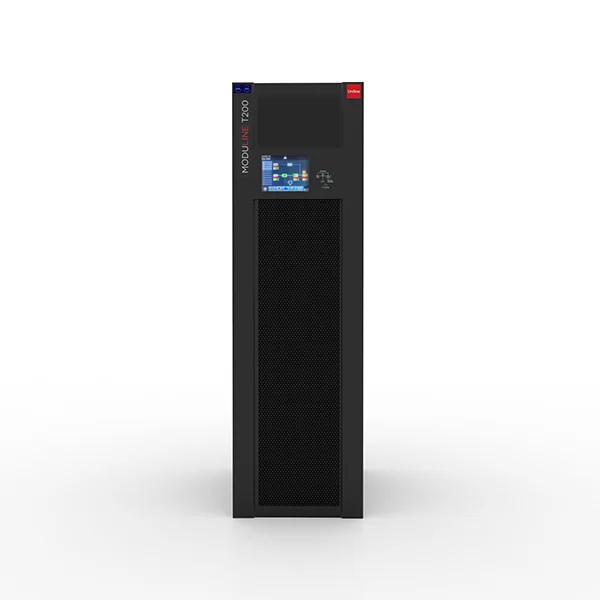
- Growing loads or high availability: a modular system such as the Uniline Moduline modular UPS lets you add power modules instead of replacing the whole UPS.
Other points that matter as much as topology
Output waveform
Many small units give a stepped approximation of a sine wave on battery, which some computer power supplies and motor loads dislike. If the load is sensitive, look for a pure sine output on battery and not just on mains.
Power factor and kW rating
UPS ratings are in kVA, but the real power it can supply is kW. Older designs had a power factor of 0.7 to 0.8, while many newer units are rated near unity. Always check the kW figure against your load; a 10 kVA unit rated at 0.8 gives 8 kW, whereas one rated at 1.0 gives 10 kW.
Battery and runtime
Backup time depends on battery capacity, not on the UPS topology. Standard models are designed for minutes. For longer runtime, you need a model with external battery connections and a charger rated for the bank. Use the battery backup calculator to estimate it. Units with inbuilt batteries, such as the MaxiPower-IB, trade flexibility for a compact footprint.
Three-phase input and output
Above a few kVA, many sites use three-phase UPS. Confirm if you need three-phase input with single-phase output, or three-in and three-out, before ordering; the MaxiPro three-phase MXP and TriPower TP series are examples to review.
Generators and input power quality
If the site is backed up by a diesel generator, check that the UPS accepts the generator’s voltage and frequency variation, and discuss the input power factor and harmonic content of the UPS with the maker. A UPS rectifier can be a difficult load for a small generator, so the generator is usually sized larger than the UPS rating. Confirm this with the generator supplier.
A short buying checklist
- Total load in watts and VA, plus 20 to 25 per cent margin.
- How bad is a 10 to 20 millisecond break? If unacceptable, go online.
- Input voltage range at your site.
- Runtime in minutes or hours, and battery type.
- Space and cooling, because online units generate more heat.
Use the product finder if you want to filter by rating.
What to send us for a quotation
Share the equipment list with watts or VA, single or three phase, runtime needed and whether the load is critical. Send it through request a quote or contact us via contact us; quotations are answered within 24 hours.
Frequently asked questions
Is an online UPS necessary for a desktop computer?
Usually not. A good line-interactive UPS with AVR and pure sine wave output on battery protects a desktop adequately. An online UPS is justified when the load cannot tolerate even a short break, such as servers, storage, lab instruments and process controllers, or where the mains is very poor.
What is double conversion in a UPS?
Double conversion means incoming AC is first converted to DC and then converted back to AC by the inverter. The output is therefore generated afresh and is isolated from mains disturbances. The load is also fed from the inverter at all times, so nothing needs to switch when mains fails.
Does a line-interactive UPS give zero transfer time?
No. A line-interactive UPS does switch to the battery inverter when mains fails, so there is a brief break. The break is usually short enough for most computers, but check the datasheet figure if your equipment is sensitive. Only an online UPS has no transfer.
Why is the online UPS more expensive and warmer?
It carries a full-power rectifier and inverter that run continuously, along with a charger and bypass circuit, so it costs more and dissipates more heat than the other types. Many models offer an eco mode that bypasses conversion when mains is good to raise efficiency, at some loss of protection.