When a drive trips or a motor bearing fails, the cost of waiting is production time, and the cost of the wrong spare is the same wait twice. Most wrong-spare orders happen because the part was described from memory or by a visible shape alone. This guide shows what to gather from the equipment so the right spare can be identified the first time.
Start with the nameplate
Every serious piece of equipment carries a nameplate or rating label, and it is the most reliable source of identification. Photograph it square-on, in good light, and make sure the text is readable. Do not rely on a typed transcription alone, as 8 and 0 or 1 and 7 are easily mistaken.
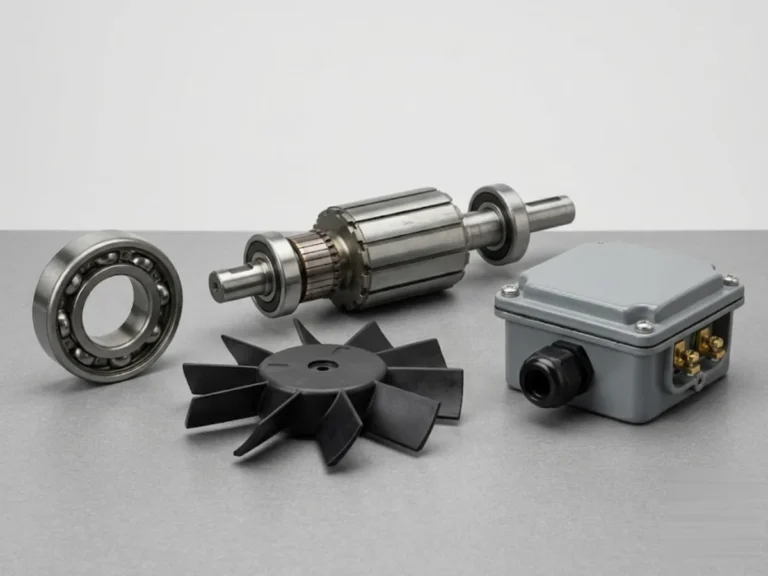
- Motors: make, model or type, frame size, kW or HP, voltage, current, speed (rpm), frequency, enclosure rating, insulation class, serial number and year of manufacture. The bearing numbers are often on the plate; if not, they are marked on the bearing.
- Drives (VFD, soft starters, DC drives): make, model or type code, input and output voltage, rated current and kW, firmware or hardware version if shown, serial number.
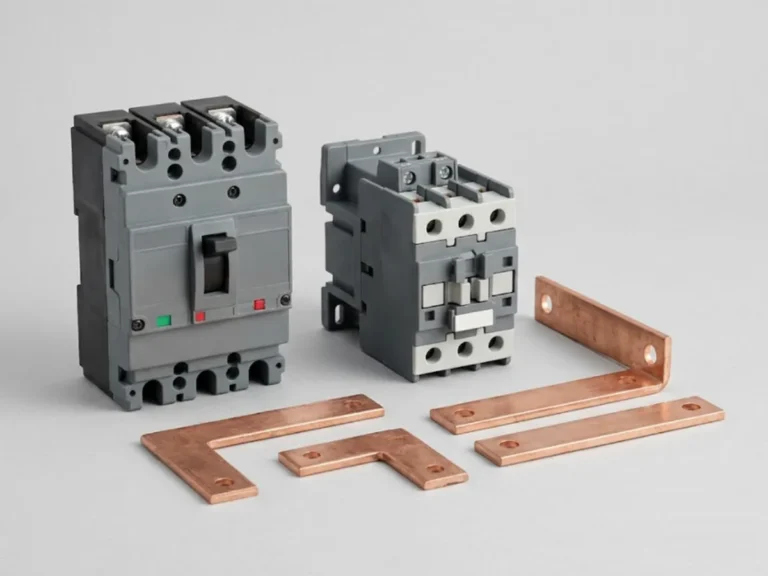
- Breakers and switchgear: make, type, rated current, breaking capacity, voltage, and pole count. For draw-out parts, note the rating of the cradle or truck.
- Relays and contactors: make, type number, coil voltage and frequency, contact configuration.
Part numbers and where to find them
A part number is better than any description. Look for it on:
- The component itself: a printed label on a PCB, fan, coil, capacitor or fuse.
- The equipment manual, spare parts list or exploded diagram.
- A previous purchase order, invoice or service report.
- The product code on the drive or relay’s nameplate or display.
If a component has been discoloured or damaged, photograph the sides and back as well, because part numbers are often on the back of boards and under labels. Do not remove a component in a way that damages the identification.
Photos and measurements that help
Where no part number can be found, a good set of photos and a few measurements is the next best source.
| Spare | What to photograph and measure |
|---|---|
| Contactor or relay coil | Coil label (voltage, Hz), contactor model, mounting style |
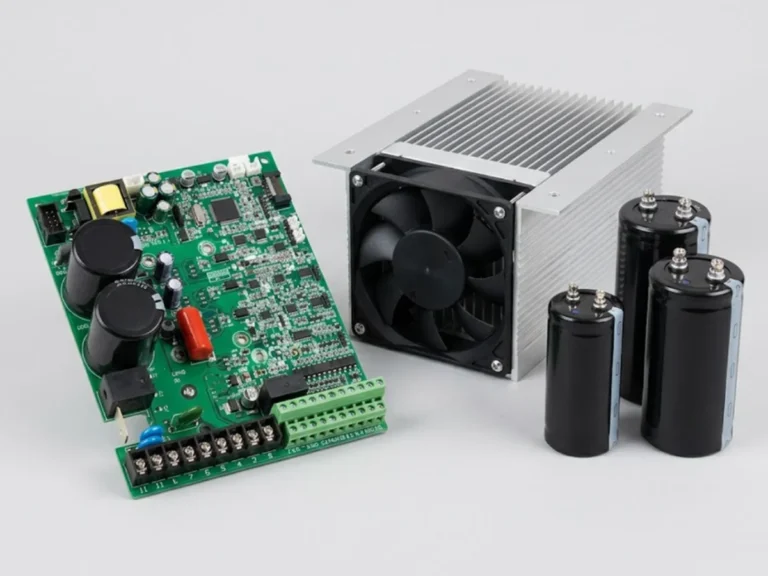
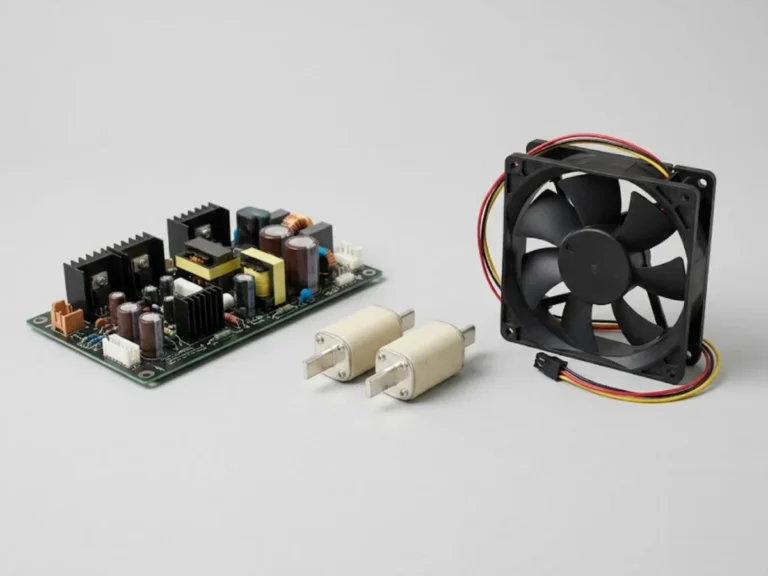
| Drive cooling fan | Fan label, voltage, size in mm, connector type, airflow direction arrow |
| Capacitor or bus capacitor | Rating in uF and volts, can diameter and height, terminal type |
| Motor bearing | Bearing number stamped on it, shaft diameter, DE and NDE side |
| Circuit breaker part | Breaker nameplate, front view, side view, accessory markings |
| PCB or control board | Both sides of the board, all labels, connector positions, nearby serial plate |
Add a photo of the whole unit and of where the part sits, since similar parts often exist in more than one variant of the same model. A short video of the fault (such as a fan noise or display error) helps too.
Pitfalls that cause wrong orders
- Same model, different revision: manufacturers change boards, fans and firmware inside the same model name. The serial number or manufacturing date often identifies the revision.
- Similar-looking coils with different voltages: an AC coil and a DC coil may look identical. Always confirm voltage and frequency.
- Replacement versus repair: in some drives it is cheaper and faster to repair a board than to buy a new one; ask what is realistic.
- Obsolete models: if the product is discontinued, a compatible or updated model may exist, but it needs a technical check of mounting, wiring and settings.
- Safety-critical parts: breaker mechanisms, trip units, protection relays and VCB parts should be matched to the exact model; confirm with a qualified engineer.
Sourcing options
For a given part there can be original parts from the equipment maker, parts from the same maker’s authorised channels, and compatible parts from other makers. The right choice depends on the part, the equipment’s age and criticality. For electronics and protection parts, being exact matters; for fans, filters and bearings, specification-matched alternatives can be suitable. Confirm any alternative with your maintenance engineer before ordering.
Our spares categories include VFD spares, motor spares, drive panel spares, LV panel spares, MV panel spares and relays. Browse the full spares range. If you want to replace rather than repair the whole machine, our product finder can help.
A simple routine to build now
- Photograph the nameplate of every critical motor, drive and panel while it works, and save the images by tag number.
- Record bearing numbers, fan sizes and coil voltages in your asset register.
- Keep copies of manuals and spare parts lists.
- Identify critical spares to hold in stock based on lead time and failure impact.
Before you open any panel or drive to photograph a part, isolate and lock out the supply, wait for stored energy in capacitors to discharge as the manufacturer states, and prove the circuit dead. Drives and capacitor banks can hold dangerous voltage after the supply is off. Photograph only once it is safe, and use an insulated torch if the panel is dark. Note the position and orientation of connectors and wiring before removing a board, so the replacement can be fitted the same way; a quick phone video of the wiring is worth more than any sketch. Only trained personnel should open live equipment, and any work inside should follow your site’s permit-to-work procedure.
What to send us for a quotation
Send a nameplate photo, any part number, photos of the part and where it sits, the symptom, and the quantity needed. Include the make and model of the equipment and its approximate age. Use request a quote or contact us; quotation requests are answered within 24 hours.
Frequently asked questions
How do I identify the correct spare for my motor or drive?
Start with a clear photo of the nameplate showing make, model, rating and serial number. Then find the part number on the component, the manual or an earlier purchase record. If you have no part number, send photos of the part from all sides with key dimensions. Mention the equipment's age because revisions of the same model can use different parts.
What if the part number is worn off or missing?
Photograph the part from every side and measure the key dimensions, such as fan size, shaft diameter or capacitor can size. Record the ratings printed on it, such as coil voltage, capacitance or current. Send the nameplate of the main equipment too. An engineer can often identify the part from these details, but may confirm before ordering.
Are compatible spares as good as original spares?
It depends on the part. For fans, bearings, filters and standard coils, a specification-matched alternative can work well. For control boards, trip units, protection relays and breaker mechanisms, exact matching is safer. Decide with your maintenance engineer, based on criticality, warranty and the age of the equipment, and confirm compatibility before ordering.
Which spares should I stock in advance?
Prioritise parts that fail often or take long to source, and those whose failure stops production: drive cooling fans, bus capacitors, contactor coils, bearings, fuses and key control boards. Record each part's number from the nameplate in your asset register. Review the list against failure history with your maintenance team, since the right stock differs by plant.